Short answer: for realistic footage, use a clip generator: Google Flow gives 50 free credits a day, and PixVerse 30 a day. For a finished 30 to 60 second video with a voice, captions and pictures, use a complete-video maker: ContentRoof gives 5 videos every month free, with no credit card, and CapCut and Fliki also turn a script into a narrated video.
Two kinds of "AI video generator"
- Clip generators (Google Flow, Kling, PixVerse, Adobe Firefly, Runway, Bing Video Creator) turn one prompt into one clip of a few seconds, usually without narration. They make realistic and cinematic footage. A 60-second video means generating several clips, then adding a voice, captions and music in an editor.
- Complete-video makers (ContentRoof, Fliki, CapCut's script to video, InVideo AI) turn an idea or a script into a whole video: scenes, a voiceover and text on screen. The pictures are drawn, stock or generated, depending on the tool.
Most people asking for a free AI video generator want a finished video for YouTube Shorts, TikTok or Reels. If that is you, start with the second kind.
What each free plan gives
Read from each tool's own pricing and help pages on 19 November 2026. Plans change often, so check the page before you rely on a number.
| Tool | Kind | Free plan, as the tool states it | Cheapest paid plan (monthly) |
|---|---|---|---|
| ContentRoof | Complete video | 5 videos every month of up to 2 minutes, 3 of them premium (cinematic stories, diagram videos or product films); 720p; no card | $7 (15 videos, 1080p) |
| Google Flow | Clips | 50 credits a day; its Omni Flash model costs 3 credits a second at 720p, so about 16 seconds a day; clips of 3 to 10 seconds | Google AI plans |
| PixVerse | Clips | 60 credits to start, then 30 a day; up to 540p | $10 |
| Adobe Firefly | Clips | Free daily generations, number not stated; 5-second videos | $9.99 |
| Runway | Clips | 125 credits, once | $15 |
| Kling AI | Clips | No recurring free credits on the Basic plan; occasional promotions | $10 |
| Bing Video Creator | Clips | 10 free fast creations; 8-second clips; in the Bing mobile app | No paid plan shown |
| Fliki | Complete video | A monthly free allowance (its page says "3 credits per month" and, in the FAQ, "5 minutes"); 720p; no card | Varies by country |
| CapCut | Editor + script to video | Free script to video with narration; quotas not stated; no card | Varies by country |
| InVideo AI | Complete video | No free plan on its pricing page | $9 |
| Canva | Editor | The free plan has no AI video clips | Varies by country |
Which one to use
- A faceless YouTube Short, TikTok or Reel about a fact, a story, history, science or money: ContentRoof. One sentence becomes a narrated video with word-by-word captions, a picture for every sentence (animated drawings, maps, counters, charts, or cinematic shots) and music.
- Realistic footage of people and places: Google Flow first, PixVerse second. Plan to join clips in an editor.
- A short animated photo or a 5-second shot for an edit: Adobe Firefly, PixVerse or Bing Video Creator.
- Editing your own footage with AI help: CapCut.
- Videos in Arabic, Hindi, Urdu, German, French, Spanish, Italian or Portuguese: ContentRoof writes, narrates and captions natively in 13 languages, with right-to-left scripts done properly.
How to make a 60-second video for free with each kind
With a clip generator: write a script of about 150 words, split it into six scenes, generate one clip per scene, record or generate a voiceover, then cut it all together with captions and music in an editor. On Google Flow's free credits, a minute of 720p video takes about four days of allowance.
With ContentRoof: type the idea, read and edit the script it writes, watch the preview and download. A one-minute video exports in about 1 to 3 minutes. There is a full walk-through in how to make faceless YouTube Shorts for free.
What ContentRoof is not for
It doesn't make photorealistic footage of people from a prompt, and it doesn't edit long recordings into clips. If you need those, use a clip generator or an editor. Its own job is the complete short video: explainers, lessons and quizzes, stories, product videos, data charts and 3D simulations, from one sentence.
Questions
What is the best free AI video generator?
For a finished, narrated video (YouTube Shorts, TikTok, Reels), ContentRoof: 5 videos a month free, with no credit card, each with a script, a voice, captions, a picture for every sentence and music. For realistic footage, Google Flow, whose free plan gives 50 credits a day.
Is there a completely free AI video generator?
Yes, within limits. ContentRoof's free plan renews every month with 5 videos and needs no card. Google Flow and PixVerse give daily free credits for short clips. Writing and previewing in ContentRoof is unlimited and needs no account.
Which free AI video generator makes 30 to 60 second videos?
Complete-video makers such as ContentRoof, Fliki and CapCut's script to video. ContentRoof makes videos of up to 2 minutes. Clip generators such as Google Flow, Kling and PixVerse make clips of a few seconds that you join in an editor.
Can I make faceless YouTube videos for free?
Yes. ContentRoof narrates the video for you, so you never record your voice or show your face. See [how to make faceless YouTube Shorts for free](/guides/faceless-youtube-shorts-free).
Do free AI video generators need a credit card?
ContentRoof, Fliki and CapCut say they don't. For other tools, check the sign-up page.
Where do these numbers come from?
From each tool's own pricing and help pages, read on 19 November 2026. Some prices depend on your country, and plans change, so check the tool's page before you rely on a number.
Updated 2026-11-19
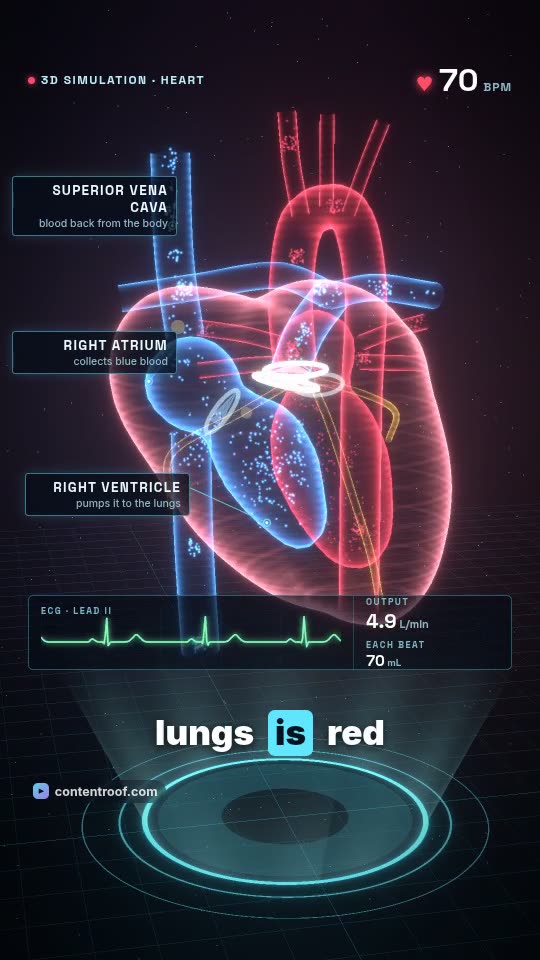 How the heart pumps blood
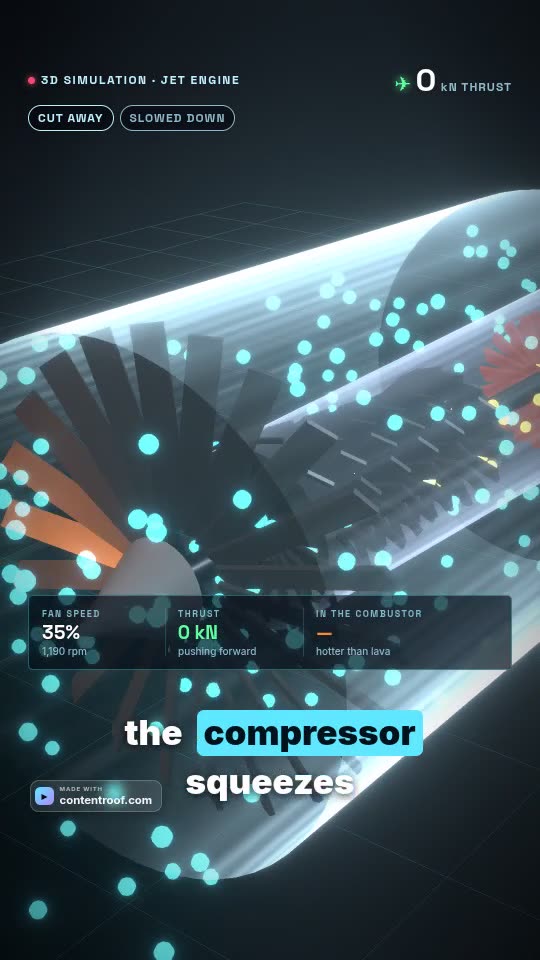 How a jet engine works
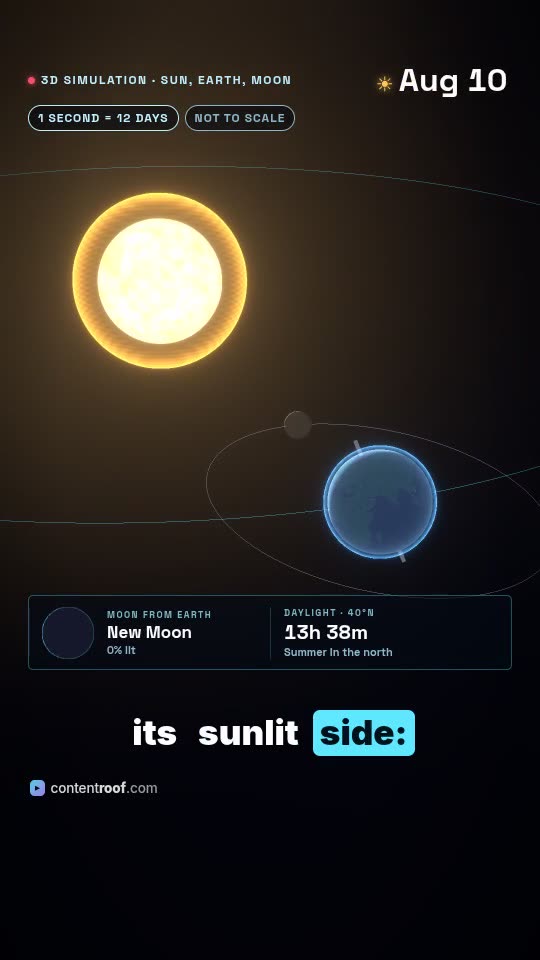 Solar and lunar eclipses
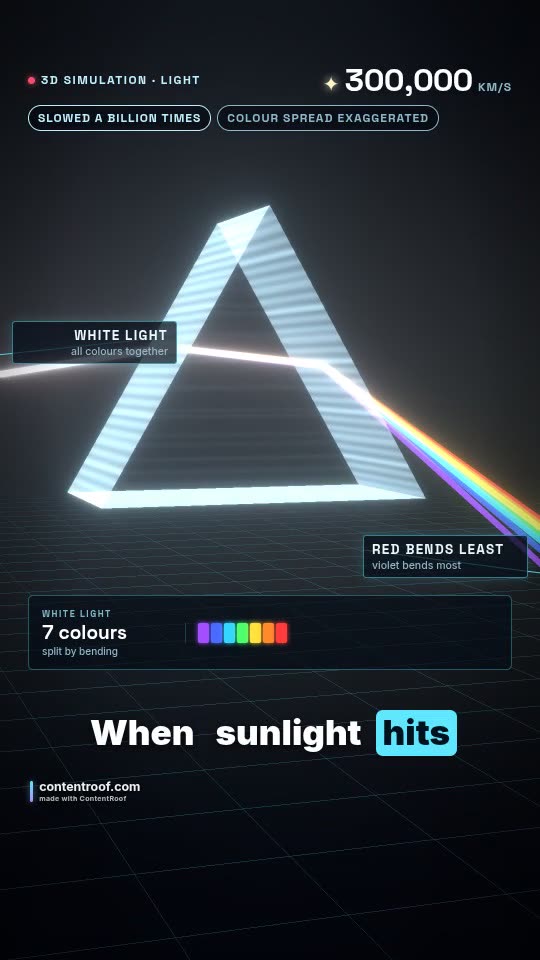 Light and colour